
Creating an account at an online casino can seem overwhelming when you are not sure about the process, the documentation, or the duration it will take. At WinLion tours gratuits Casino the sign-up process is uncomplicated, yet it still adheres to the regulations that protect Canadian players and keep accounts protected. Comprehending each stage before you commence spares time and avoids hold-ups triggered by missing files or payment-method inconsistencies. This guide explains the entire sequence from the moment you land on the main page to the stage where you can carry out your first transaction and get the welcome offer.
Identifying the Registration Button and Picking a Join Path
On the WinLion Casino homepage the registration button is located in the top-right corner and is called “Join Now.” Clicking it launches a two-step modal that allows you to select between a quick e-mail registration or a one-click social sign-up using Google or Apple credentials. The social option imports your name and e-mail automatically, but you will still be required to establish a unique username and password that meets the casino’s security rules: at least eight characters, one number, and one symbol.
If you opt not to link a social account, pick the e-mail path. The first screen prompts only for your e-mail address and date of birth. After you press “Continue,” a second screen is displayed where you create your password, choose your province, and provide a valid Canadian phone number. Both paths end with a mandatory box that you have to tick to verify you consent to the terms and privacy policy; the links launch in new tabs so you can review the documents before agreeing.
Some players worry that the social sign-up will provide WinLion ongoing access to their Google or Apple profile. In reality the casino only retrieves the name and email once; no further data sharing happens unless you later activate single-sign-on for deposits. If privacy remains a concern, the traditional email route keeps the least amount of third-party information and still completes in under three minutes on a stable connection.
Authenticating Your Personal Information and Finishing KYC
After the account is created, WinLion Casino sends an automatic e-mail prompting you to upload identification documents. The accepted file formats are JPEG, PNG, or PDF, each under 5 MB. You must supply a clear photo of the front and back of your driver’s licence or passport, plus a recent utility bill or bank statement indicating your name and address dated within the last 90 days.
Verification is usually completed within two to four business hours during weekdays, but weekend submissions may wait until Monday morning. You can check progress in the “Account Verification” tab of your profile; a green check mark appears once the compliance team accepts each document. If a document is declined, the reason is listed and you can re-upload without restarting the entire process again.
Occasionally the system requests a short selfie video where you hold your ID next to your face. This step is infrequent but happens when the photo ID is older than five years or when the address on file differs slightly from the billing address of your deposit method. Having a well-lit space and a steady hand ready accelerates the process and prevents the need for a second attempt.
Depositing into Your Account and Activating the Welcome Bonus
Once verification is complete, navigate to the cashier and choose from the supported deposit methods: Interac e-Transfer, Visa, Mastercard, MuchBetter, or cryptocurrency deposits via Bitcoin, Ethereum, or Litecoin. Interac e-Transfer and card deposits are added instantly, while crypto transactions require one network confirmation and typically appear within ten minutes. Minimum deposit amounts range from C$20 for cards to C$10 for crypto, with no maximum on the first deposit.
The welcome package is instantly added to your account once the qualifying deposit is made. You will view the bonus amount and its 35-times wagering requirement shown in the “Bonuses” section. Remember that different payment methods have different contribution percentages toward the wagering target; slots count 100 percent, while table games such as blackjack make up only 10 percent. Examining these percentages before you play helps you plan how much you need to wager to convert the bonus into withdrawable cash.

Players who prefer to test the platform first can start with the smallest allowed deposit and still receive the full bonus package. Just be aware that the wagering requirement stays the same regardless of deposit size, so a C$20 deposit still requires C$700 in total wagers. Splitting those wagers across several sessions rather than one long marathon makes gameplay relaxed and minimizes the chance of chasing losses to meet the target.
Filling in Your Personal Details Accurately
The next screen collects the information that will appear on your account statement and KYC file. Provide your legal first and last name exactly as they are shown on your photo ID. Any mismatch, even a missing middle initial, will initiate a verification hold later. Provide your full residential address, including apartment number if applicable, and choose your province from the drop-down list; postal codes are validated automatically against Canada Post data.
Double-check the phone number field because a one-time verification code will be delivered via SMS within sixty seconds. à savoir If you do not get the code, use the “Resend” link rather than sending the form again; duplicate submissions can mark your application as suspicious. Once the code is entered, the system sets your contact details as confirmed and moves you to the final registration step.
Players who have recently moved should pay special attention to the address line. Even if you changed your driver’s licence, the utility bill you upload may still indicate the old address, creating a mismatch that halts verification. Printing a fresh bank statement or asking for an electronic copy dated within the last thirty days resolves the problem before it gets to the compliance desk.
Establishing Protected Login Credentials and Setting Preferences
Protection at WinLion Casino begins with your login details. In addition to the eight-character password rule, the system imposes a 90-day password change reminder and will lock the account after five failed login attempts. Choose a password you have never used on another site; password-manager suggestions are accepted as long as they meet the length and complexity requirements.
You will also be required to set communication preferences. You can opt out of marketing e-mails immediately, but you cannot disable security alerts such as withdrawal confirmations or password resets. If you access a household computer, enable two-factor authentication via authenticator app rather than SMS; this extra layer blocks family members from accessing your account even if they know your password.
Another useful setting is found under “Session Duration.” By default the site signs you out after thirty minutes of inactivity, but you can lengthen this window to four hours if you usually play during lunch breaks or while commuting. Just note that longer sessions increase the importance of locking your device when you step away, especially on shared or public networks.
Accessing the Platform on Computer and Mobile Devices
After your account is funded you can browse the lobby right away on any modern browser. The desktop site uses HTML5 technology, so no download is necessary, and the lobby sorts games by category—slots, jackpots, table games, live dealer, and instant-win scratch cards. Each category presents the RTP percentage and volatility rating, letting you to pick titles that fit your preferred risk level.
For on-the-go play, WinLion Casino features a responsive mobile site that matches the desktop layout but adapts button sizes for touch screens. If you like a dedicated app, an Android APK is available from the “Mobile” footer link; iOS users must depend on the mobile site because Apple’s App Store policies exclude real-money casino apps. Both versions provide the same deposit limits, bonus terms, and game library, so you will not lose progress when moving between devices.
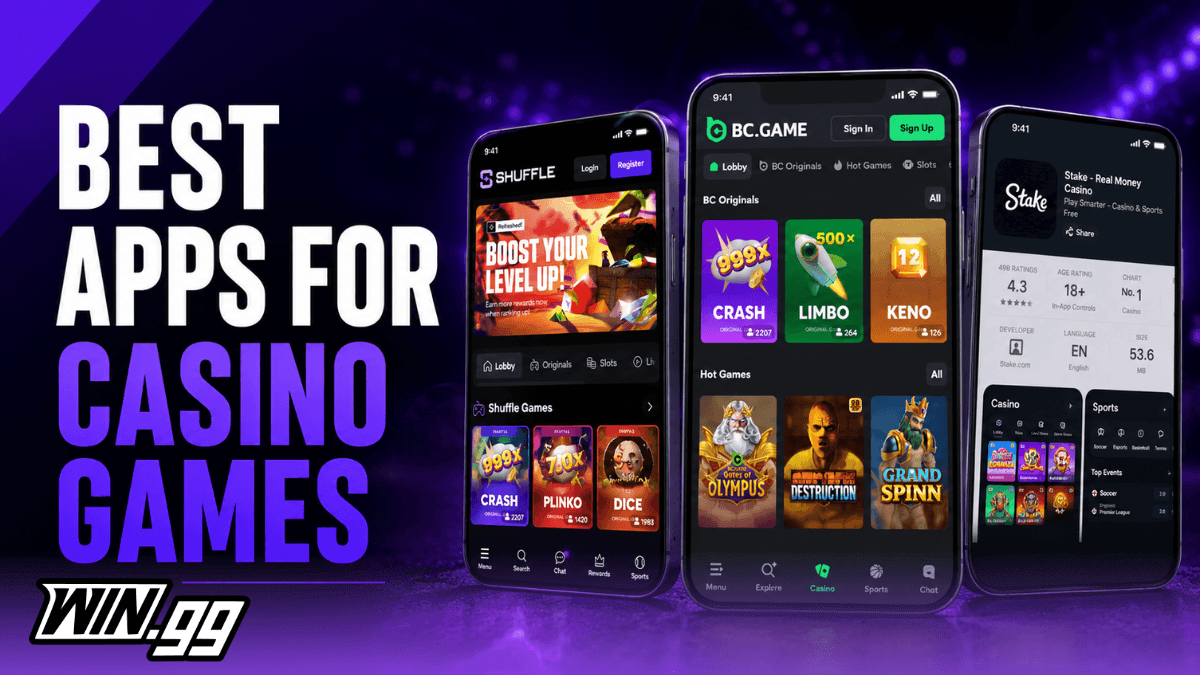
One element many mobile users overlook is the ability to set daily deposit and wagering limits directly from the app’s settings menu. These controls sync automatically with the desktop version, offering you steady responsible-gambling boundaries no matter which screen you select. Enabling them on day one aids preserve balance and prevents the temptation to increase limits hastily after a big win.
Checking Your Qualification Ahead of Time
Prior to you complete any forms, confirm that you meet the basic requirements for a legal account. You have to be at least 19 years old if you are located in most provinces, or 18 in Alberta, and you need to reside within Canada. WinLion Casino also stipulates that you create only one account per person, household, or IP address, so confirm you have not enrolled previously under a different email. Finally, have ready a government-issued photo ID such as a driver’s licence or passport; this document will be required during verification and must match the name and address you input on the sign-up form.
Players outside Canada, or those utilizing a VPN to mask their location, will have their registration declined at the verification stage. If you commute frequently, note that the casino’s geolocation check occurs each time you log in, so an active Canadian IP address is crucial. Spending a few minutes to check these details now avoids the frustration of completing the form only to get a rejection email days later.
Another point worth checking is whether your chosen payment method is already associated to another WinLion account. If you split banking details with a family member who already gambles, the compliance team may identify the duplicate information and ask for additional proof of separate finances. Addressing this potential issue early keeps your application moving smoothly and prevents the back-and-forth emails that can extend verification from hours into days.
Leave a Reply